
An AI that
remembers you. Privately.
Personal AI for iPhone, with memory you can see, edit and delete.
Currently in prelaunch.
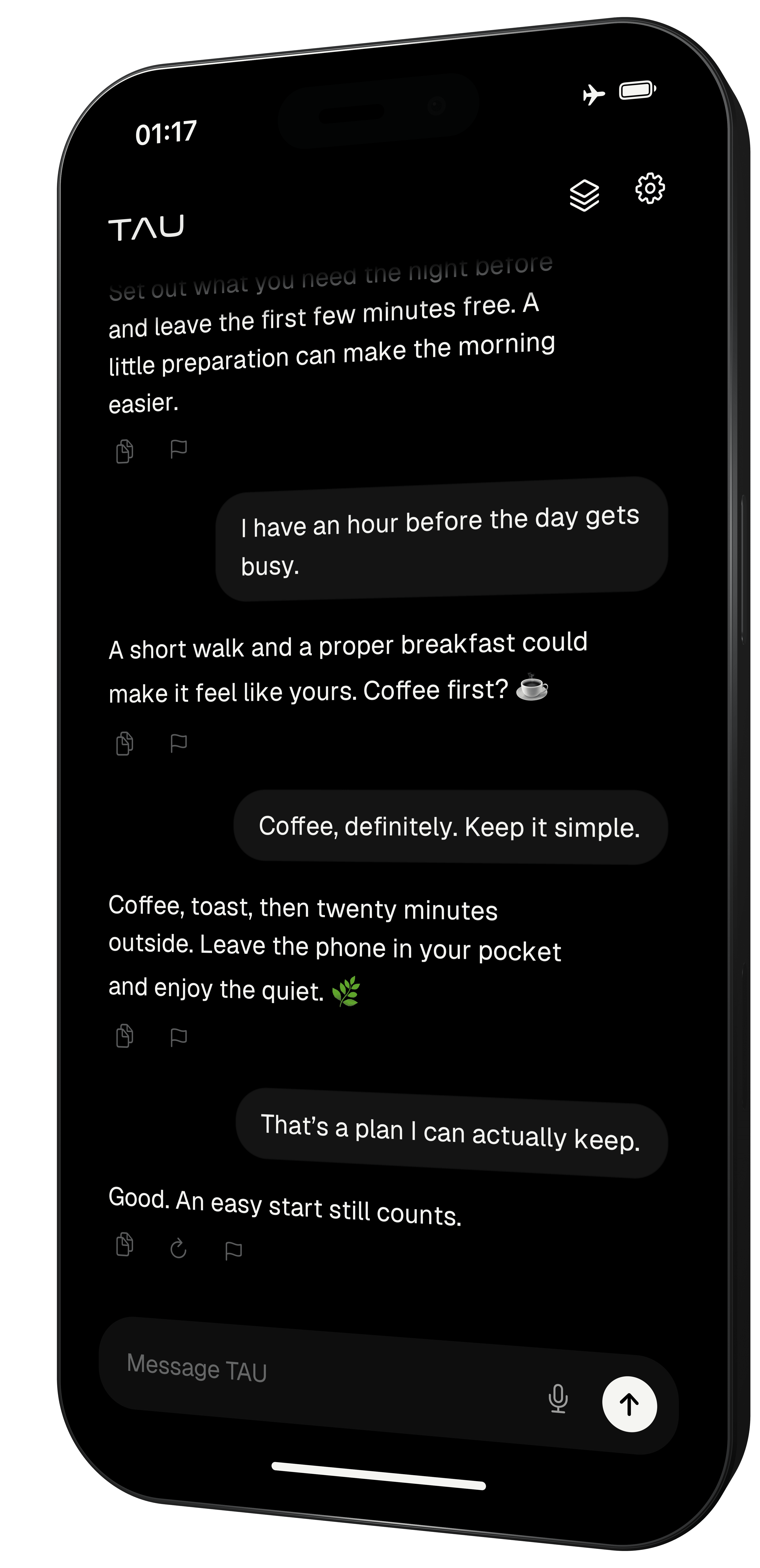
Under your control
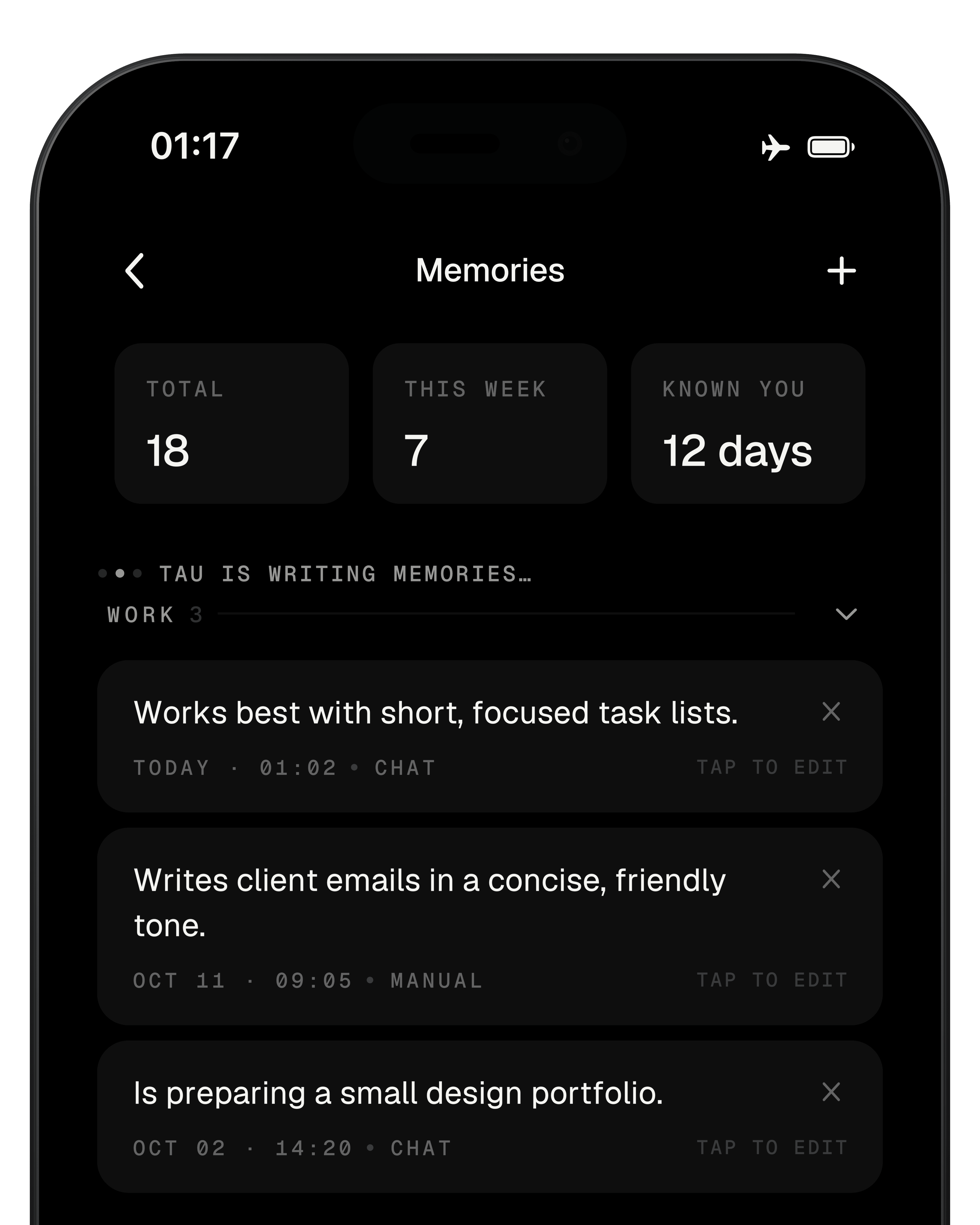
See what your AI remembers.
Your saved context, visible and editable in Memories.
- Read what’s there.View
- Keep it accurate.Edit
- Add what matters.Add
- Let something go.Delete
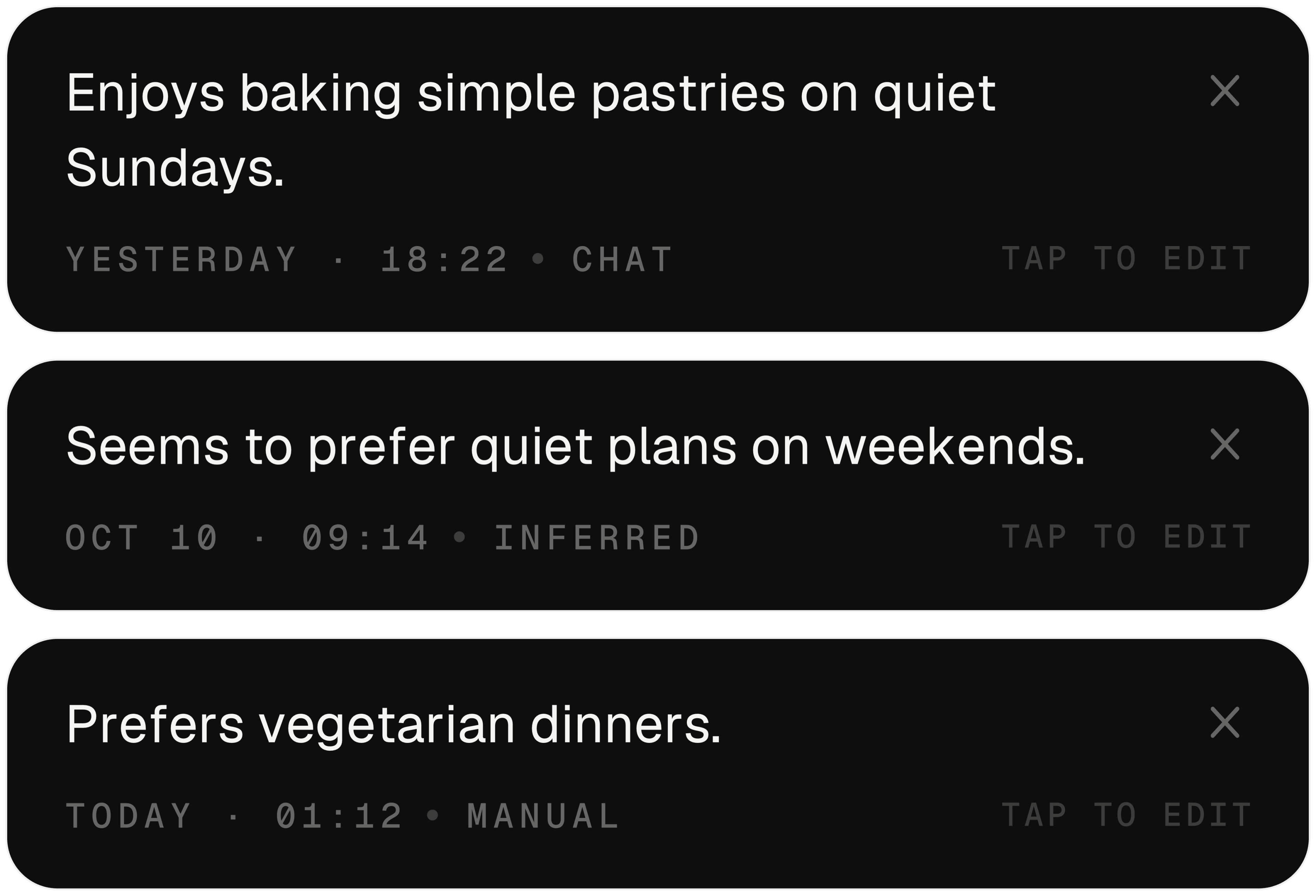
As your life changes
Memory should stay current.
Keep your saved context accurate. Add memories manually, or check, edit and remove them as things change.
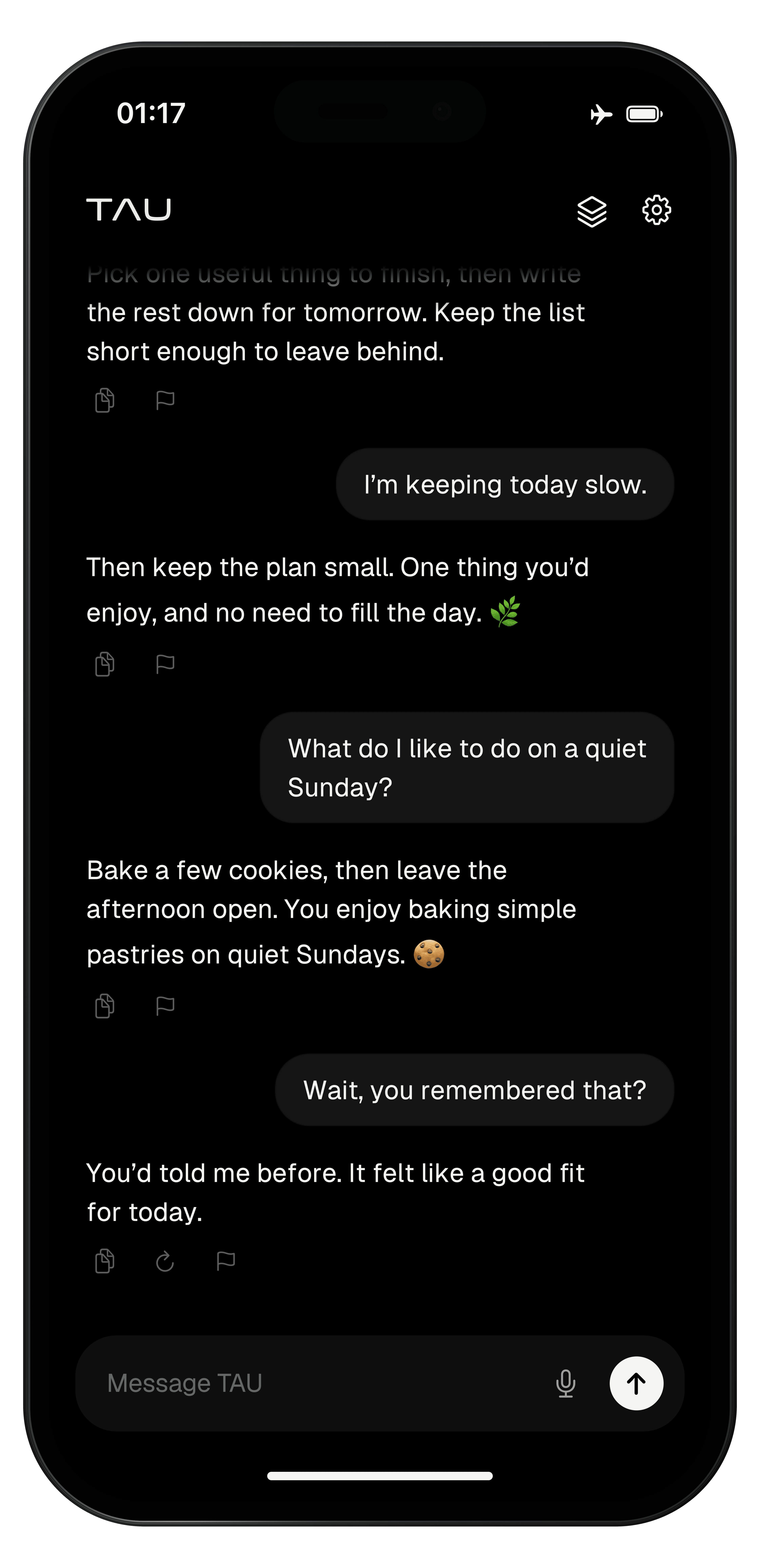
Continuity
You don’t start from zero.
TAU recalls what matters to you, like your preference for baking on quiet Sundays.
Tone
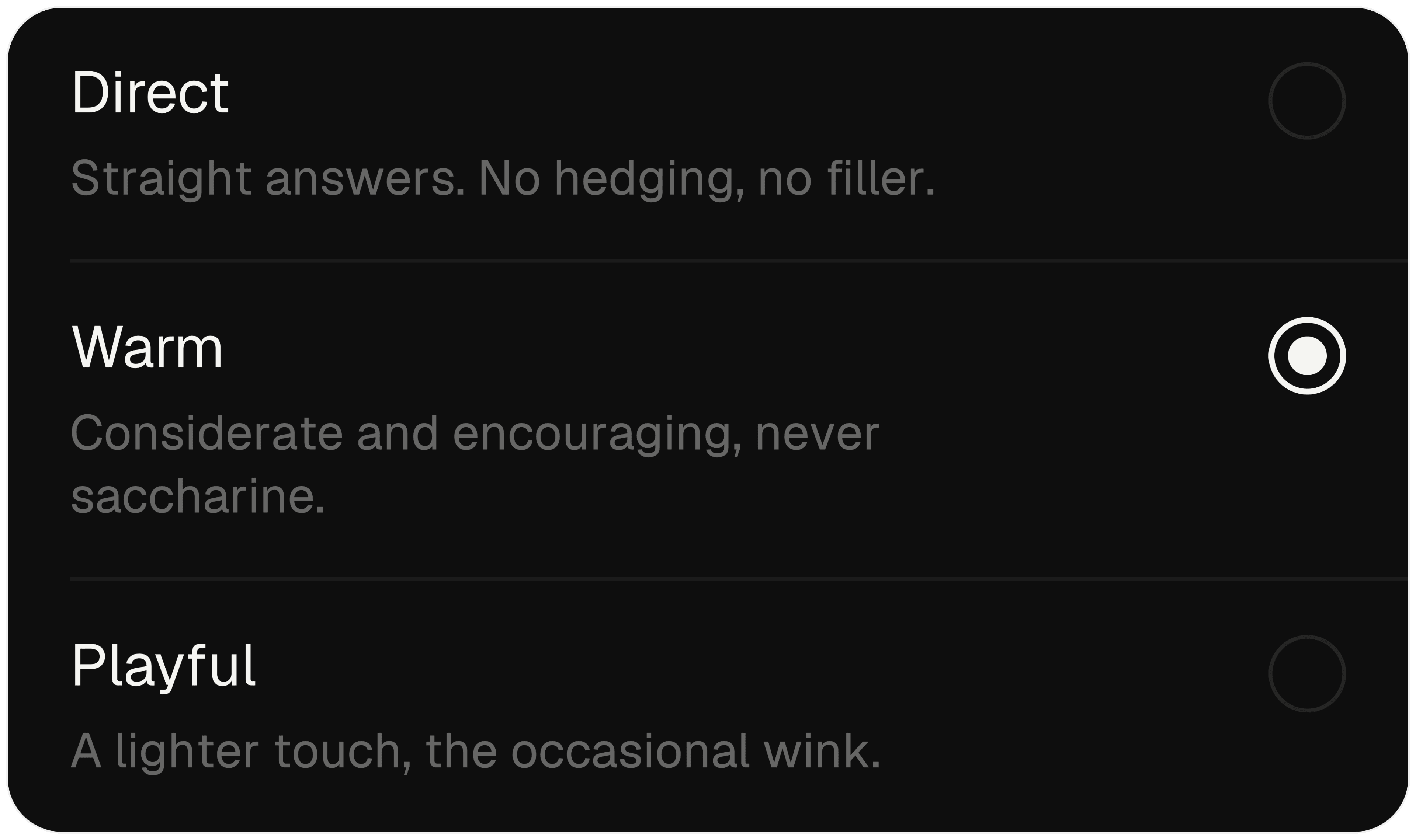
Choose your tone.
Direct, Warm or Playful. Choose how you want TAU to respond.
Vanish
Some thoughts can be temporary.
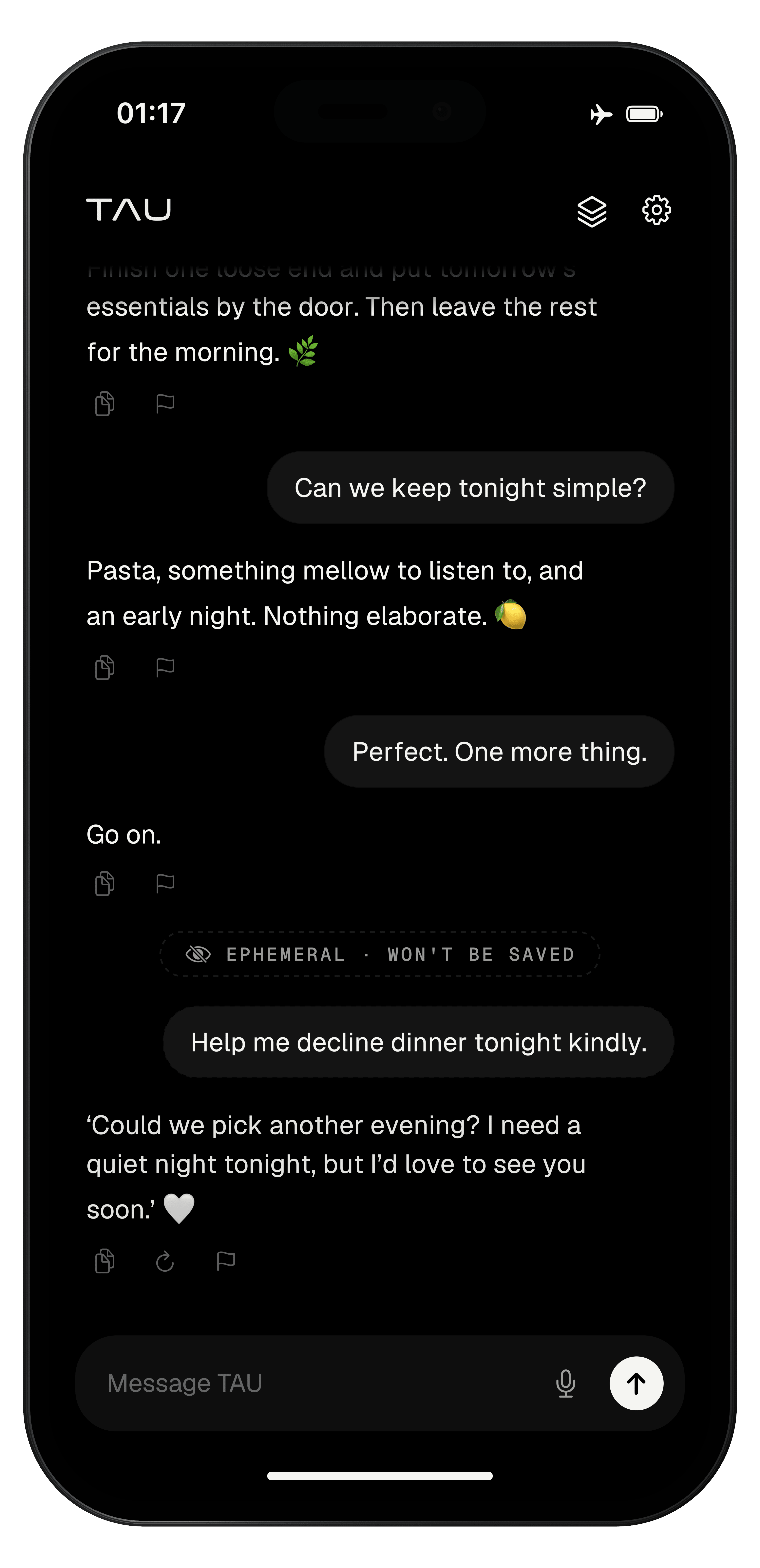
A temporary conversation. Your existing memories remain.
- 01Swipe up. Let go.
Pull upward from the bottom of chat and release to enter Vanish.
- 02Keep it temporary.
Messages aren’t saved to your thread and don’t create new memories.
- 03Return to your thread.
Repeat to exit. The temporary chat is removed and your history returns.
Offline, by architecture
Your world.
Airplane mode.
After the initial model download, core chat and personal memory work on your iPhone without a connection.

Plans at launch
Start with TAU.
$0
- Up to 50 saved memories
- Basic use of memories in conversation
- Unlimited messages
$9.99per month
or $59.99 a year
- Unlimited saved memories
- Better retention and use of your memories in conversation
- Unlimited messages
- New TAU features included as they are released
Prices may change before launch.
Questions
Does it work offline?
Yes, after the initial ~2.3 GB model download. Qwen3-4B runs on your iPhone for core chat and memory. Accounts, downloads and subscriptions still need a connection.
Which iPhones does it run on?
iPhone 15 Pro or newer with at least 8 GB of memory.
Where are my conversations and memories stored?
In the app's private storage on your iPhone. They are not sent to a cloud model as part of normal core AI processing.
What happens if I delete the app?
Removing TAU removes its local chat and memory database. Vecorps does not hold a server-side copy of that history to restore.
What is the difference between Free and Pro?
Both include unlimited messages. Free saves up to 50 memories with basic use in conversation. Pro adds unlimited saved memories, better retention and use of those memories in context, and new TAU features as they are released.
What are the TAU research models?
Internal experiments in efficient and adaptive personal AI. They are separate from Qwen3-4B, the model in the current app. Explore Vecorps research
Be there from the beginning.
One email when TAU launches.